Which shoes for a client meeting?
Something smart enough for the meeting, comfortable enough for the walk.
Simple leather shoes
Dark trainers
Meeting a client
From “should I?” to “which one?”. Explain the situation, hear the reasons, and choose for yourself.
iOS and Android · One shared experience
Something smart enough for the meeting, comfortable enough for the walk.
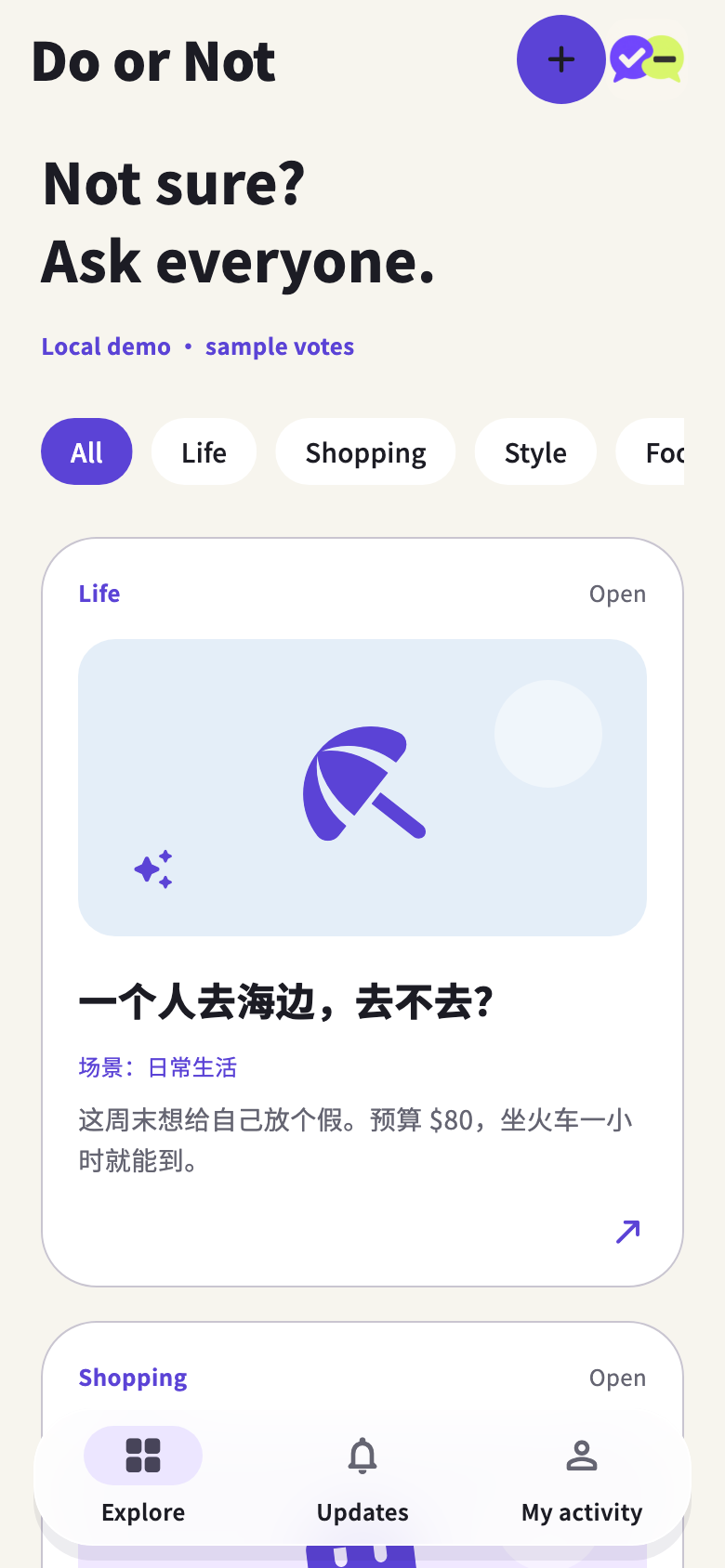
A day to unwind, a limited budget, and a solo trip.
One evening a week sounds fun. Will I have the energy after work?
Add two to six options. AI can help draft your question; you check it before posting.
Pick a situation and add your priorities or budget if they matter.
Vote, read the results, and come back to share what happened.
From “should I?” to “which one?”. Explain the situation, hear the reasons, and choose for yourself.
The app is being tested. Downloads will be available after signing, service setup and release checks.
Invitation pages let you verify your email and register. Posting, voting and feedback happen in the app.
You can also ask people to choose one of two to six options.
No. It only helps organise text you supply. You review and edit the draft.
No. Faces, addresses and text in the photo still need your attention.